Creative concept skill
Research to designer-ready in ~20 minutes.
The biggest chore in a growth manager's month is producing ad concepts: research, ideation, copy, and all the ops around them. I wrote the whole task down as a skill. One line kicks it off, and 20 minutes later the concept page, the asset folder and the designer brief exist, in the brand's voice, grounded in real audience language.
The manual task this skill replaced
13+ steps across 4 tools, mapped before the skill was written. Now the map runs itself in ~20 minutes.
- 🔍 Inspirations: Meta, Foreplay, social
- 📈 What's already working in the account
- 🏆 Winning formats + angles
- 🧩 Combine into 5+ angles and formats
- ✍️ Headline variations
- 🎯 ICPs, dream outcomes, pain points
- 📝 Full body copy
- 📄 Concept page
- 📁 Asset folder
- 🎨 Designer brief
- 📤 Send to the designer
- ➕ Extras: approval docs, sheets
How a run actually goes
One line kicks it off
"/concept for [client]", plus a Foreplay ad ID as inspiration if you have one. First thing it does: reads its own rules, and resolves which growth manager is running it.
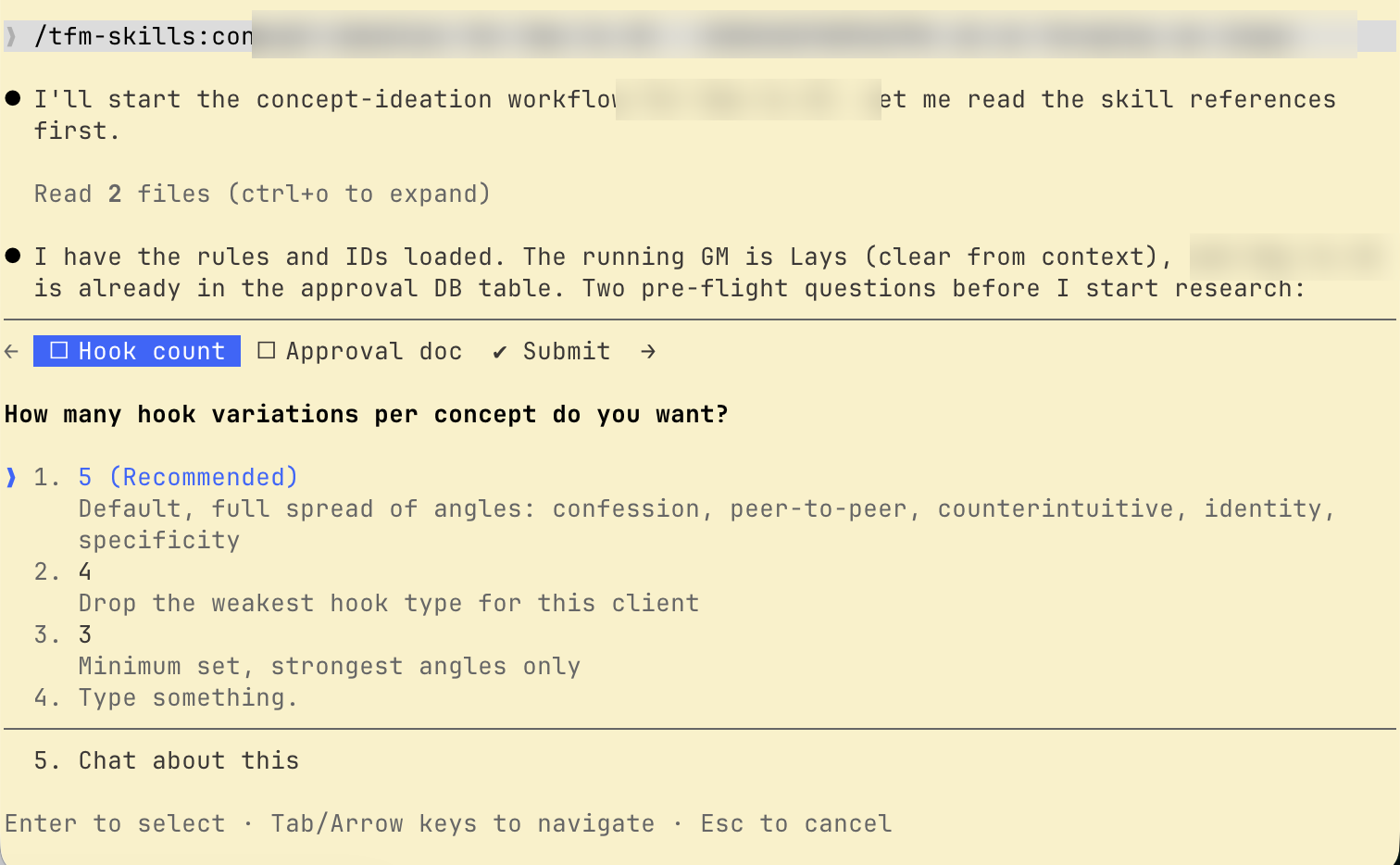
It interviews you before acting
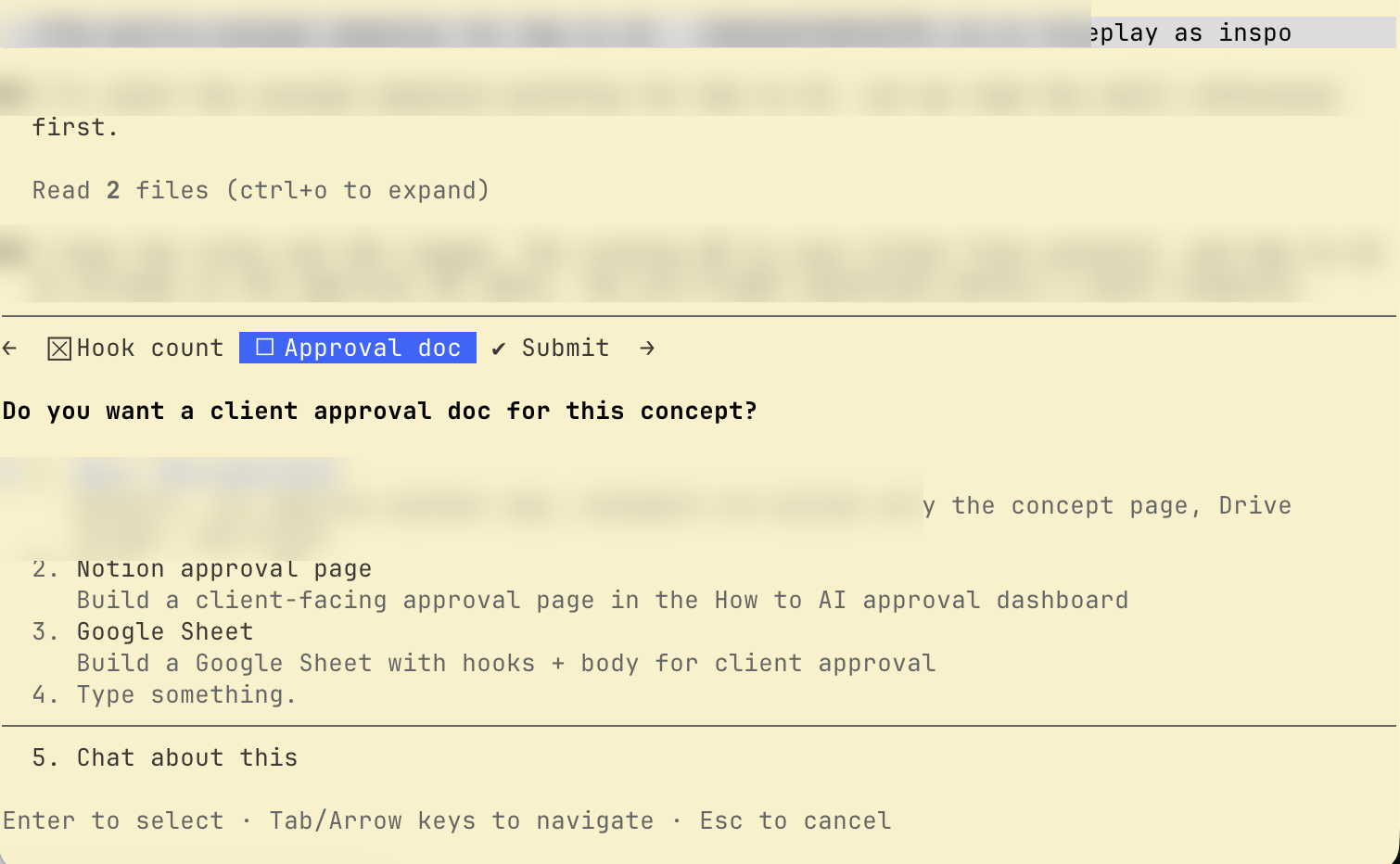
Two pre-flight questions: how many hook variations (3-5, across confession, peer-to-peer, counterintuitive, identity and specificity angles) and whether you want a client approval doc. No surprises mid-run.
Then it researches. Multiple sources.
The client brief, their live website, Reddit/Quora audience language, the team's working channels, the account's own winning ads (winning = SPEND, not just KPI), a competitor swipe file, and the latest newsletter analysis.
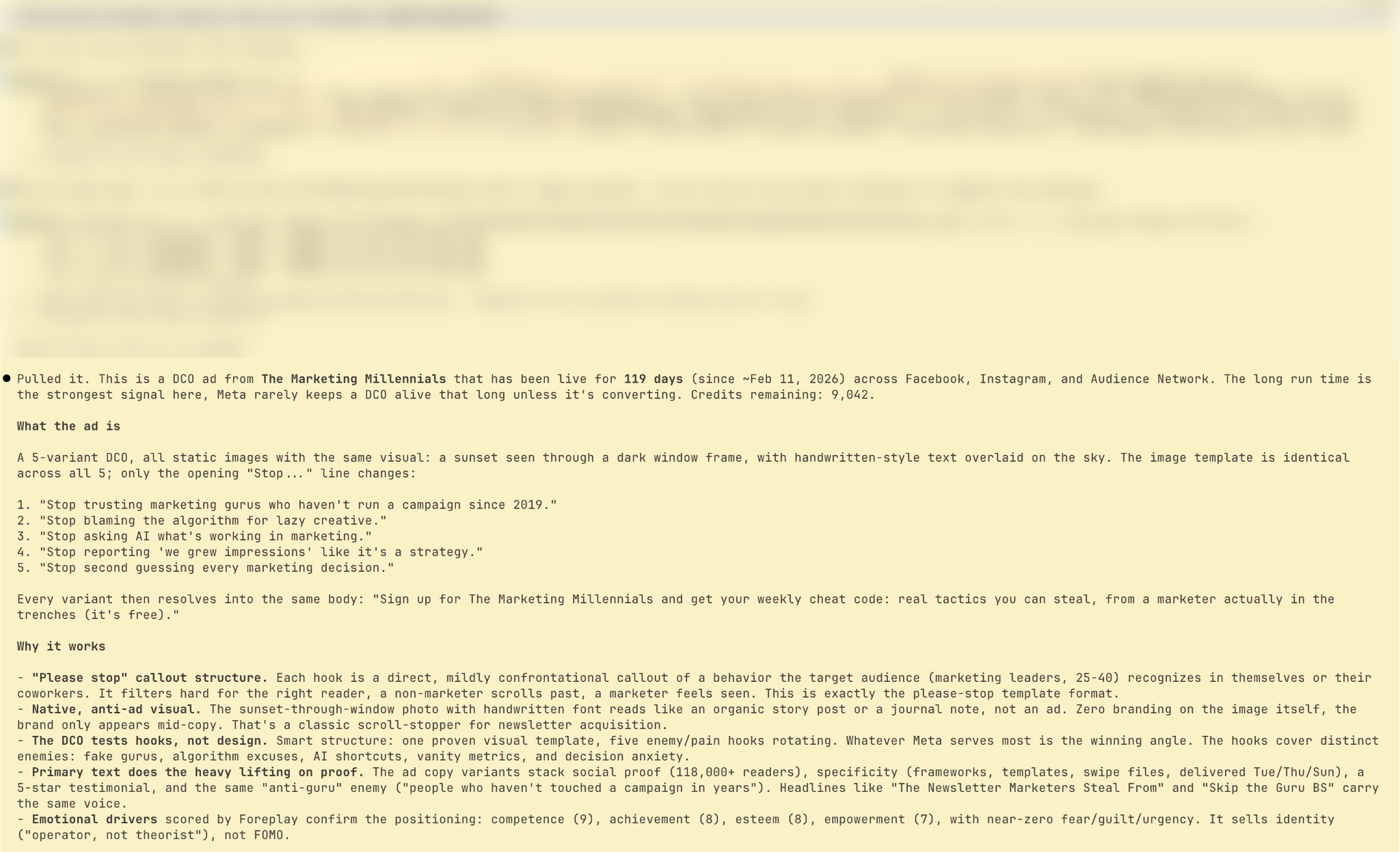
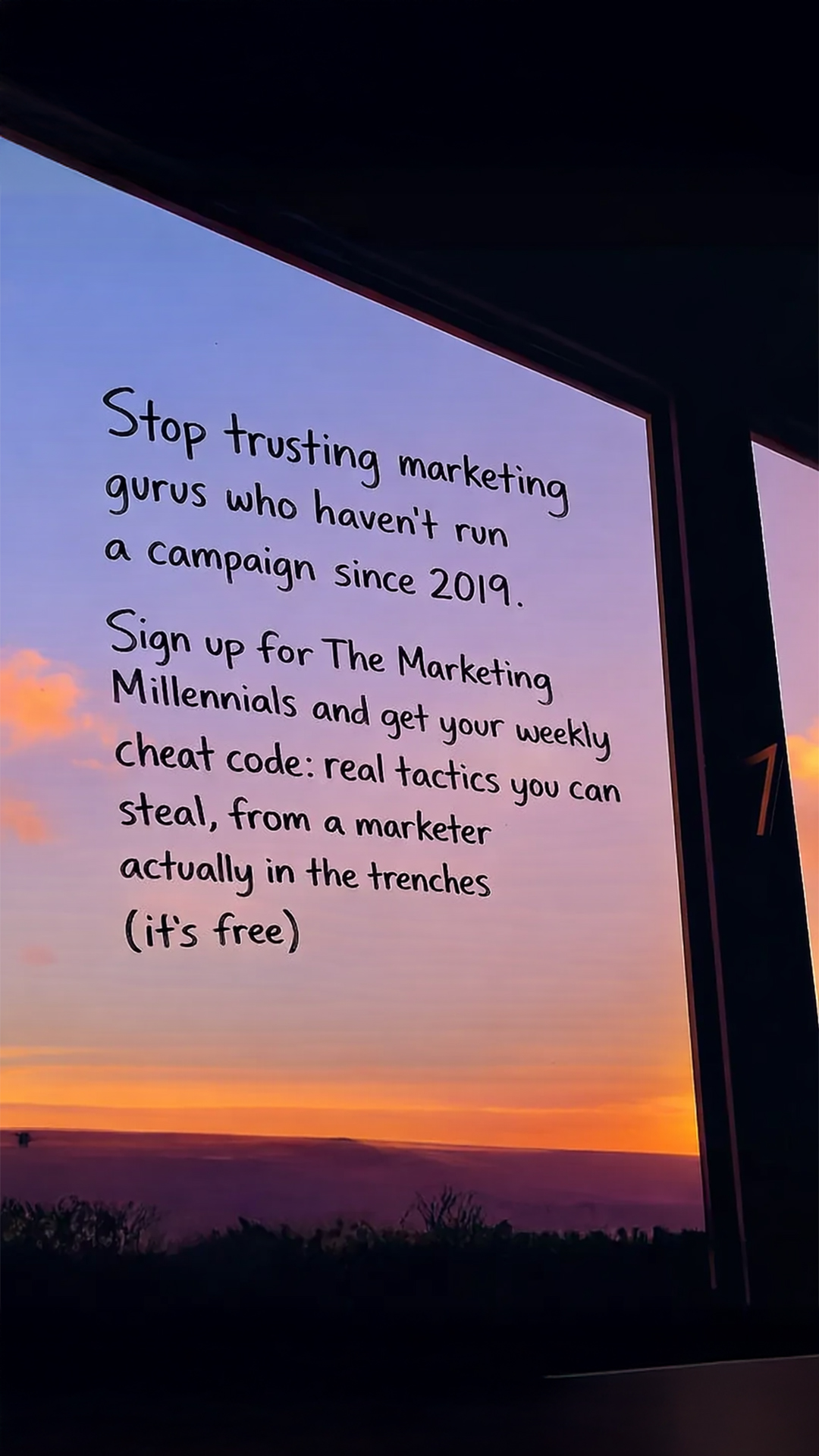
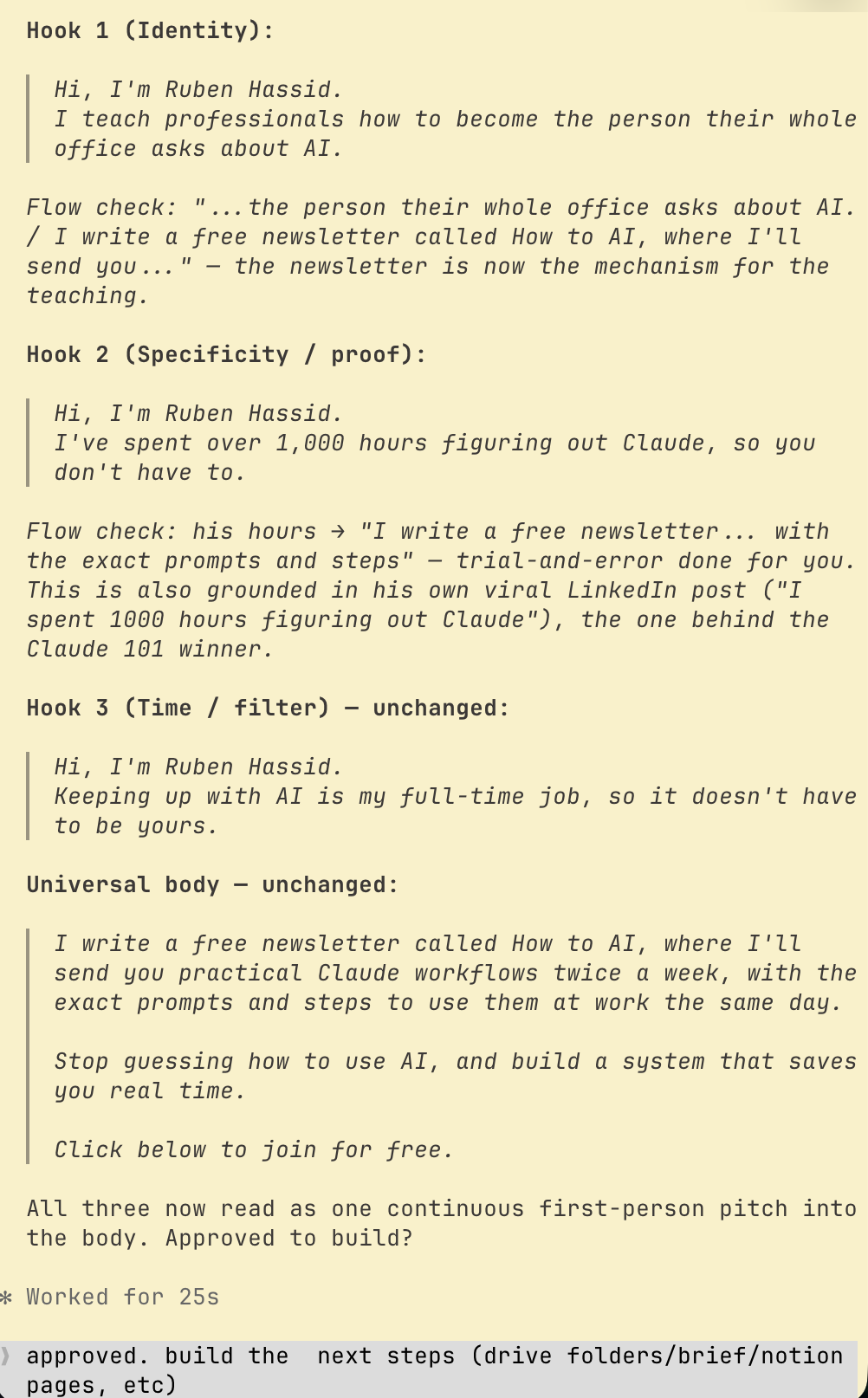
Writes hooks + body in the brand's voice, then stops
"Approved to build?" Nothing gets created until I say yes. This is the back-and-forth zone: iterate on any line in plain English.
One "approved" later: everything built and verified
The concept page, the asset folder with raw + final, and the designer brief already filled: reference video, typesetting rules, the 3-column script table. From here it's press a button to the designer. It even audits itself at the end of every run and lists fixes worth baking back into its own instructions.
And it's steerable, not all-or-nothing
Real case: a teammate already had approved copy in a sheet. They didn't need research or copywriting, so they told the skill exactly that, in plain English. A skill is written instructions, not a locked pipeline: enter at any step, skip any step, swap any input.
Steering it, typed in plain English/concept for a client. The copy is already approved
in this sheet: [link]. Skip the research and the copywriting.
Just run the build steps: concept page, asset folder,
and the designer brief. 
Rules & guardrails straight from the skill instructions
- Copy and asset creation are strictly separate phases: research + copy first, build only after explicit approval.
- Define "winning" by SPEND, not just KPI. The highest-spend ads are the account's real winners.
- Use the real ICP descriptor ("operators", "cardiologists"), never generic "readers".
- Every Don't in the client playbook is a non-negotiable hard stop.